Use your holiday gift guide to sell wine, fill tasting room seats, and give shoppers a reason to find you again after the holiday market.
A customer needs a host gift by Saturday. Another wants to give her parents something they can do together. A third tried your Cabernet at a holiday market and wants to send a few bottles to family.
All three could buy from your winery. But if your holiday email sends them to the same page of bottle shots and tasting notes, you’re asking them to figure out what to buy, how to get it, and whether it’ll be ready in time.
A great winery holiday gift guide answers those questions. It also gives your tasting room team something concrete to sell and your marketing team a reason to stay in touch through December without running a new promotion every weekend.
Start with three things people can buy
Before you build the guide, decide what you want it to sell. Start with a bottle gift, a tasting experience, and something a customer can pick up on short notice.
What the shopper needs | What your winery can offer | What to make clear |
|---|---|---|
“I need something to bring to dinner.” | A gift-ready duo with a sparkling wine and a red | Price, packaging, and where to buy it |
“I want to give them something we can do together.” | A tasting for two or a gift card they can use toward a visit | What’s included, who chooses the date, and how to redeem it |
“I need a gift this weekend.” | A boxed winery favorite available for local pickup | When it’ll be ready, where to pick it up, and your holiday hours |
Write the headline for the person buying the gift. “For the friend who always hosts” gives someone a reason to click. Put the bottle details in the description and give each offer one clear action, like Shop the Duo, Give a Tasting, or Order for Pickup.
Before you promote anything, run the numbers on the offer as sold. A two-bottle set can look profitable until you add the box, packing time, and a shipping perk. Your host gift should be an easy yes at the counter. A premium set gives shoppers a reason to spend more on someone they know loves your wine.
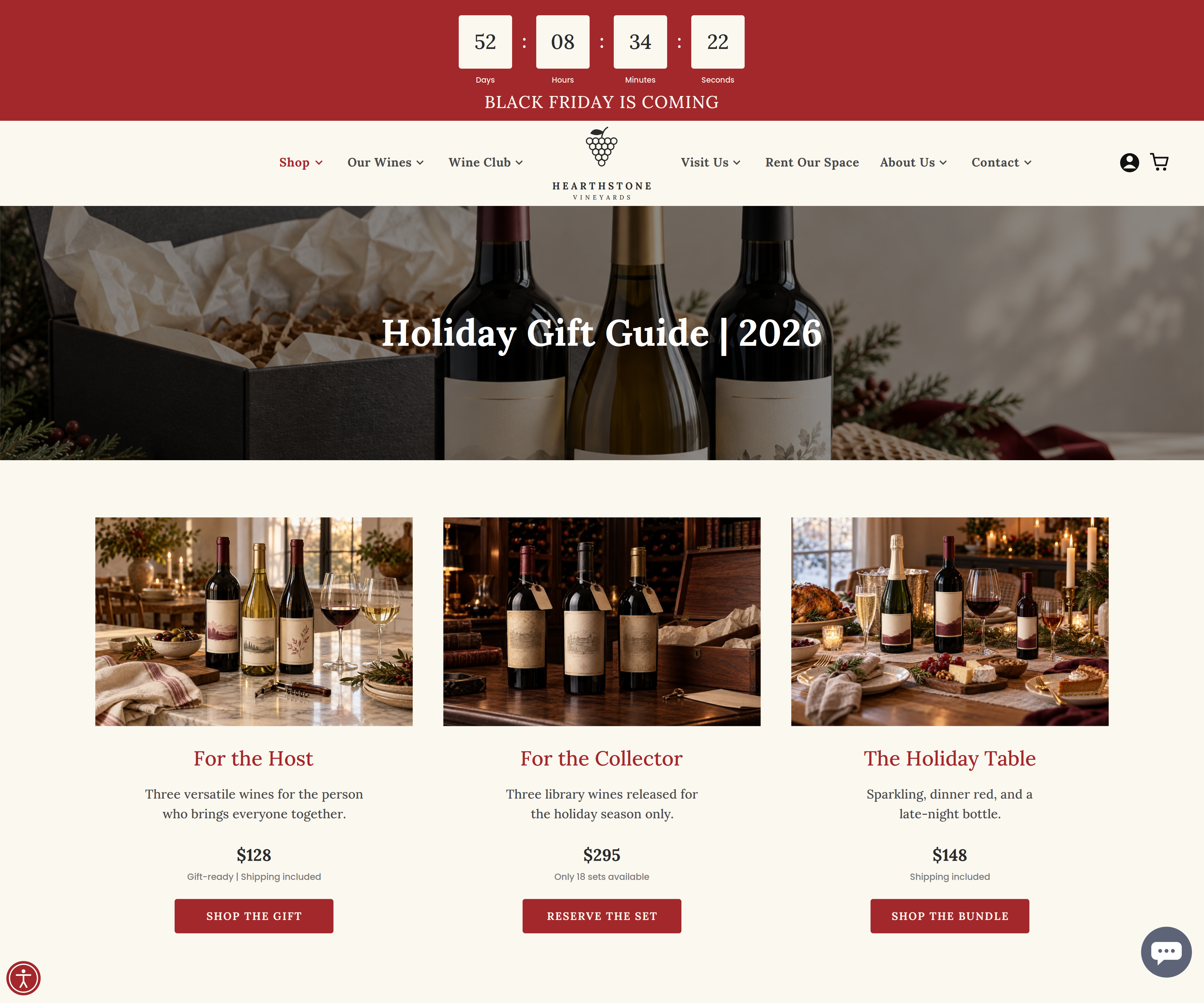
A holiday gift guide can help shoppers choose by occasion and go straight to the gift that fits.
Sell a tasting people can picture giving
Someone planning a family outing wants to see available times, the price, and what’s included. Someone giving a tasting wants to know whether the recipient can choose the date. Give each shopper a clear path.
An email to local customers could lead with Book a Holiday Tasting for guests with family in town. In the gift guide, Give a Tasting for Two could lead to a gift card, with a short explanation of what it covers and how the recipient books.
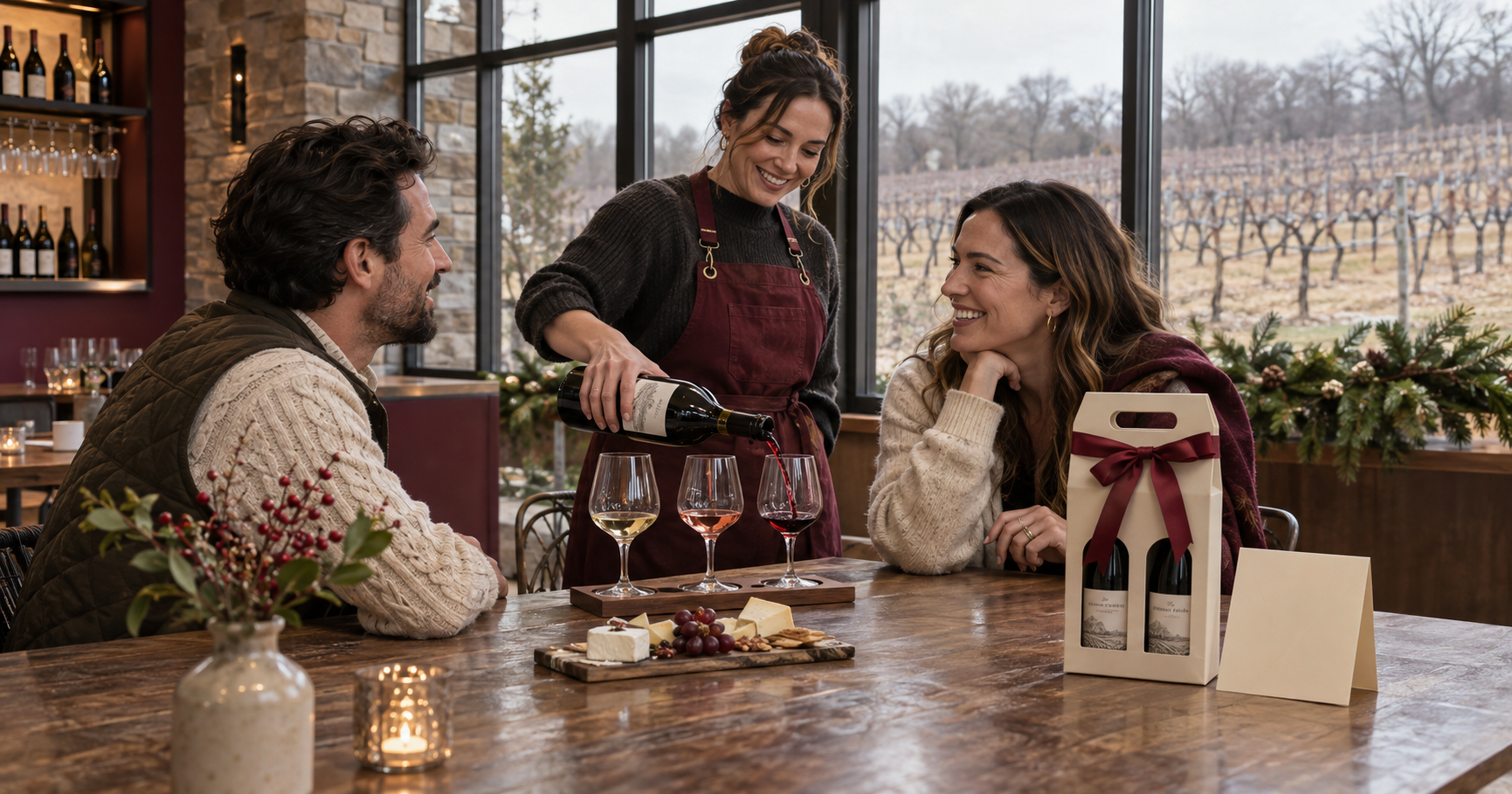
Start with an experience your team already runs well. A seated reserve flight can become a December outing for visiting family. An optional cheese board gives guests something to add while they’re booking. If Saturday afternoons already fill up, feature a Friday or Sunday seating in your email and give guests a direct link to book it.
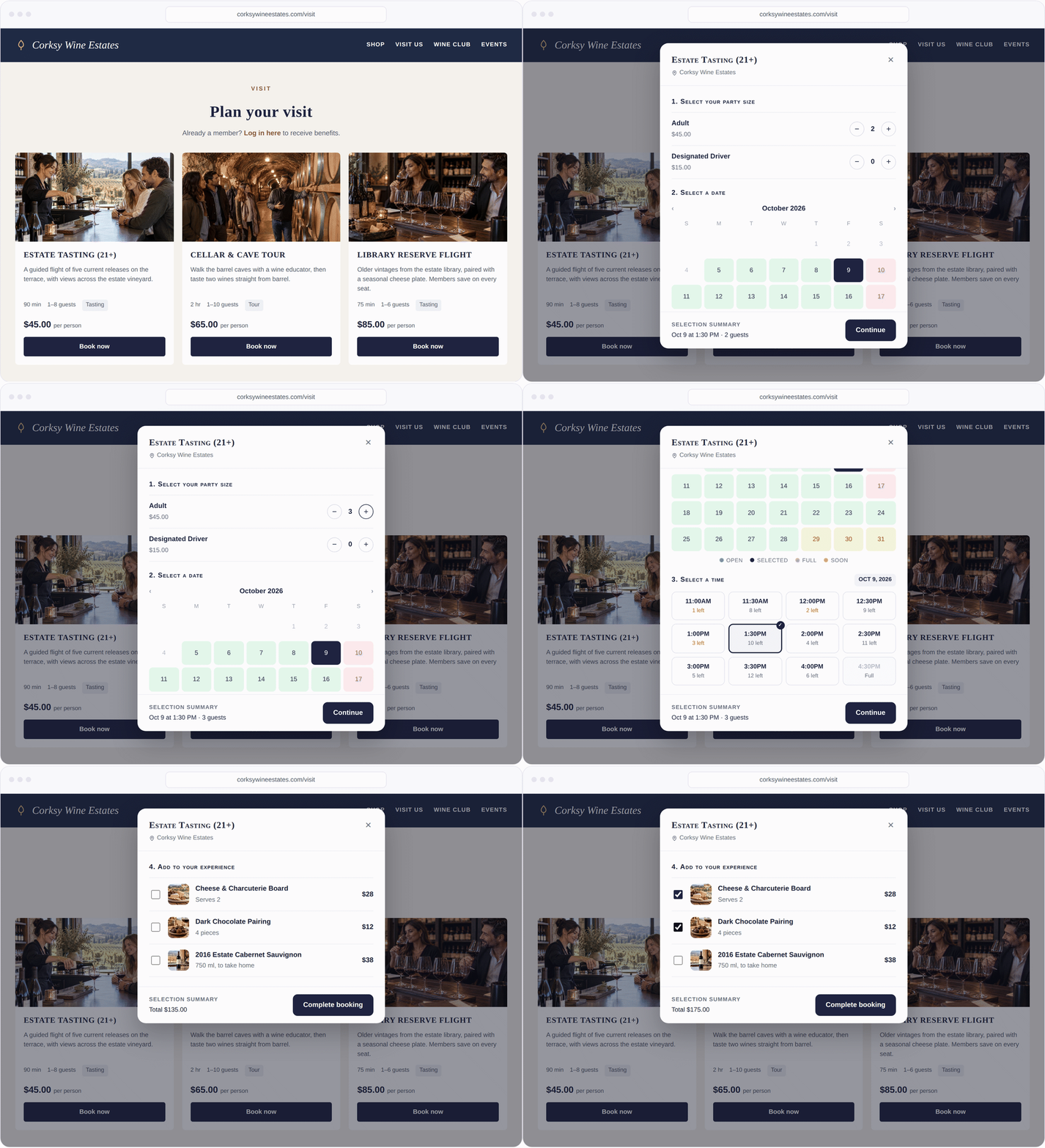
In Corksy Reservations, guests can see available times and choose a seating directly from the winery’s website.
Bring the gift guide to the holiday market
If you’re pouring at a holiday market, bring a small assortment your team can sell while they’re answering questions and pouring samples. A boxed duo, a signature bottle, and a way to buy a tasting gift can cover a lot of ground at a six-foot table.
Put the prices where people can see them and give staff one line they can actually use.
If you’re looking for a host gift, this is the two-bottle set we brought today. It’s already boxed and ready to go.
With Corksy Go, staff can ring up the gift and take payment right at the table. Put a QR code on your sign that goes straight to the gift guide for shoppers who want to order later or see what they can book at the winery.
Use the same product names on the sign, at checkout, and online. If someone tells their spouse to look up “the host duo we tasted on Saturday,” they should be able to find it.
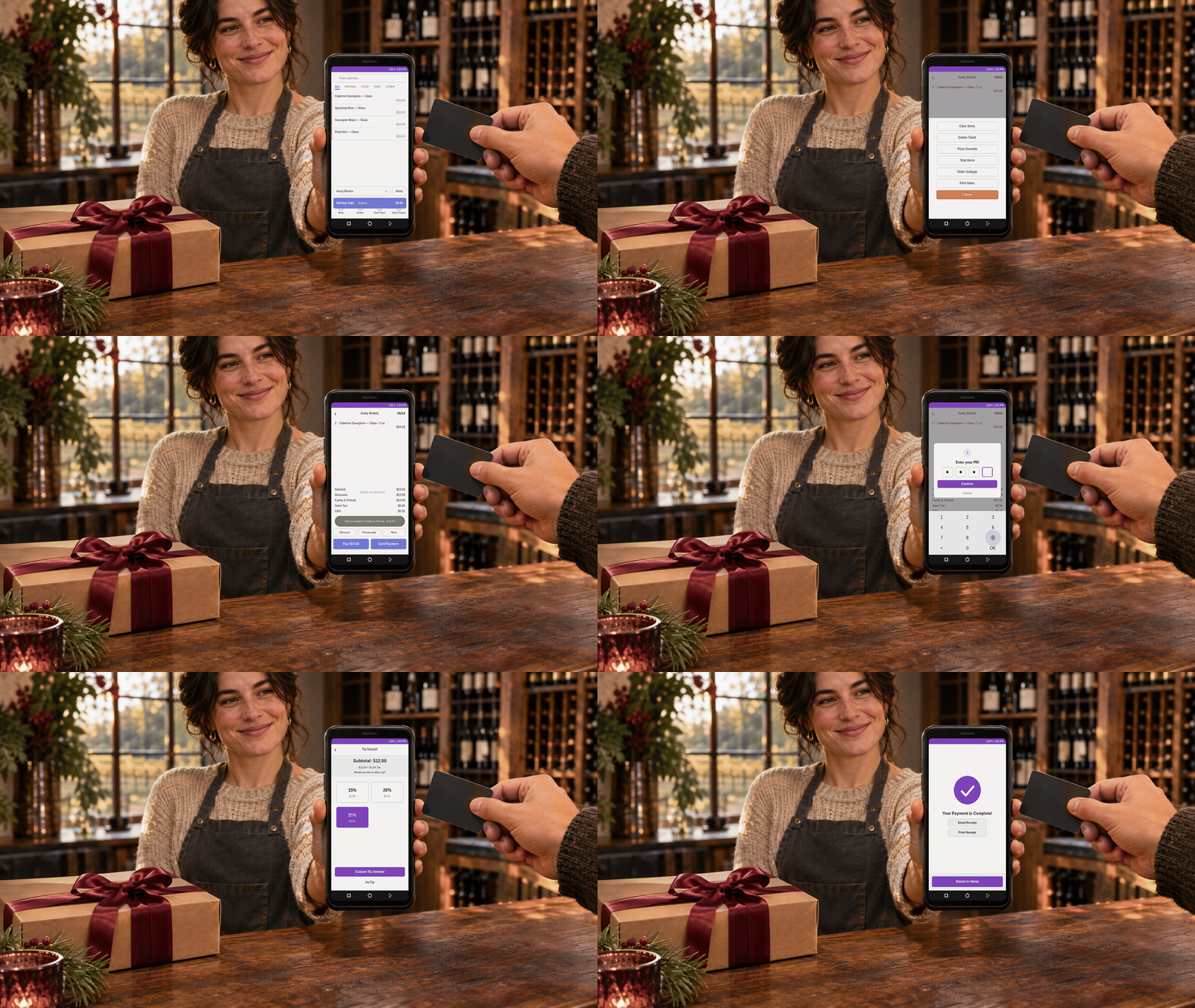
Caption: Ring up holiday gifts and take payment right at the table with Corksy Go.
Change what you promote as the holidays get closer
One guide can carry several weeks of marketing. Change which offer you lead with based on who’s shopping and how much time they have.
Thanksgiving weekend. Lead with ready-to-give sets and a reason to visit. Send local customers to pickup or tasting reservations, depending on the offer.
Before your shipping cutoff. Send past online buyers straight to the gifts you can still ship. Put the order deadline and delivery details beside the offer.
After your shipping cutoff. Move local pickup, digital gift cards, and tasting gifts to the top of the guide. Update the homepage and any scheduled emails to feature what customers can still buy.
Give your tasting room team the same calendar. If you email a pickup offer on Thursday, the team working Saturday should know where the orders are staged, what’s still available, and which gift to recommend if the featured set sells out.
Track what sold and what brought people in
After the holidays, look at gift set sales, holiday tasting bookings, and market sales. If you sold tasting gifts, check redemptions in January and February to see how many turned into visits.
Ask your staff what guests kept asking for. If the host duo sold out at two markets and shoppers started looking for it online, you have a reason to make more next year. If people kept calling to ask how to give a tasting, move the purchase and redemption instructions higher on the page.
Start this week with the gifts you can fulfill, the experiences you can staff, and the deadlines you can commit to. Put them on one page and give your team the link. Now your holiday email, your tasting room counter, and your market booth can all send customers somewhere they can actually buy or book.
See how Corksy brings online gifting, reservations, and mobile checkout together. Book a Corksy demo